Timed Popup
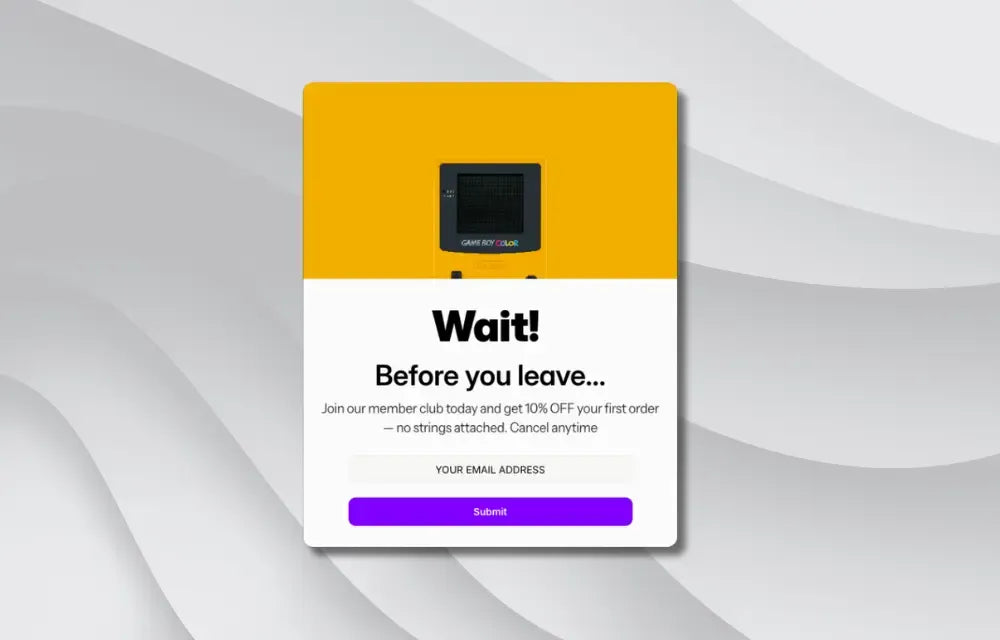
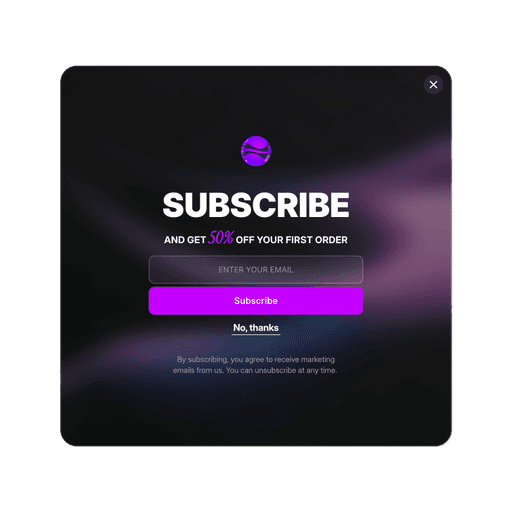
Automatically show popups to visitors after they have been on your page for a set time. Perfect for capturing attention with special offers, newsletter signups, or important announcements.


Type
Category
Popups / Banners
Component ID
15295945539932
Boost Sales with Perfect Timing
Show special offers and promotions exactly when customers are most engaged with your content
Professional Overlay Effects
Customize background colors, blur effects, close buttons, and animations to create stunning popup presentations
Smart Customer Experience
Control how often customers see your popup with 6 frequency options to avoid annoying repeat visitors
Convert Visitors with Perfectly Timed Popups
Capture more sales and leads with this powerful timed popup system that automatically shows your content to visitors after they have been on your page for a set time. Perfect for ecommerce stores, service businesses, and any website looking to increase conversions.
Simply set your desired delay (3 seconds for quick attention, 10 seconds to let visitors browse first), then select your popup from the content list. The trigger creates a professional full-screen overlay with customizable background colors, blur effects, and smooth animations that make your popup stand out.
The smart frequency controls let you avoid annoying repeat visitors while maximizing your reach. Choose from Always Show for maximum exposure, or Once per Session for a balanced approach. Other options: Once Per Browser, Once per 7 Days, Once Per 30 Dyas.
Each page works independently, so you can have different popups on your homepage, product pages, and checkout flow.
Customize every aspect of the overlay through the properties panel: background colors, blur intensity, close button styling and position, and choose from 6 different animation effects to match your brand perfectly.