WhatsApp Button
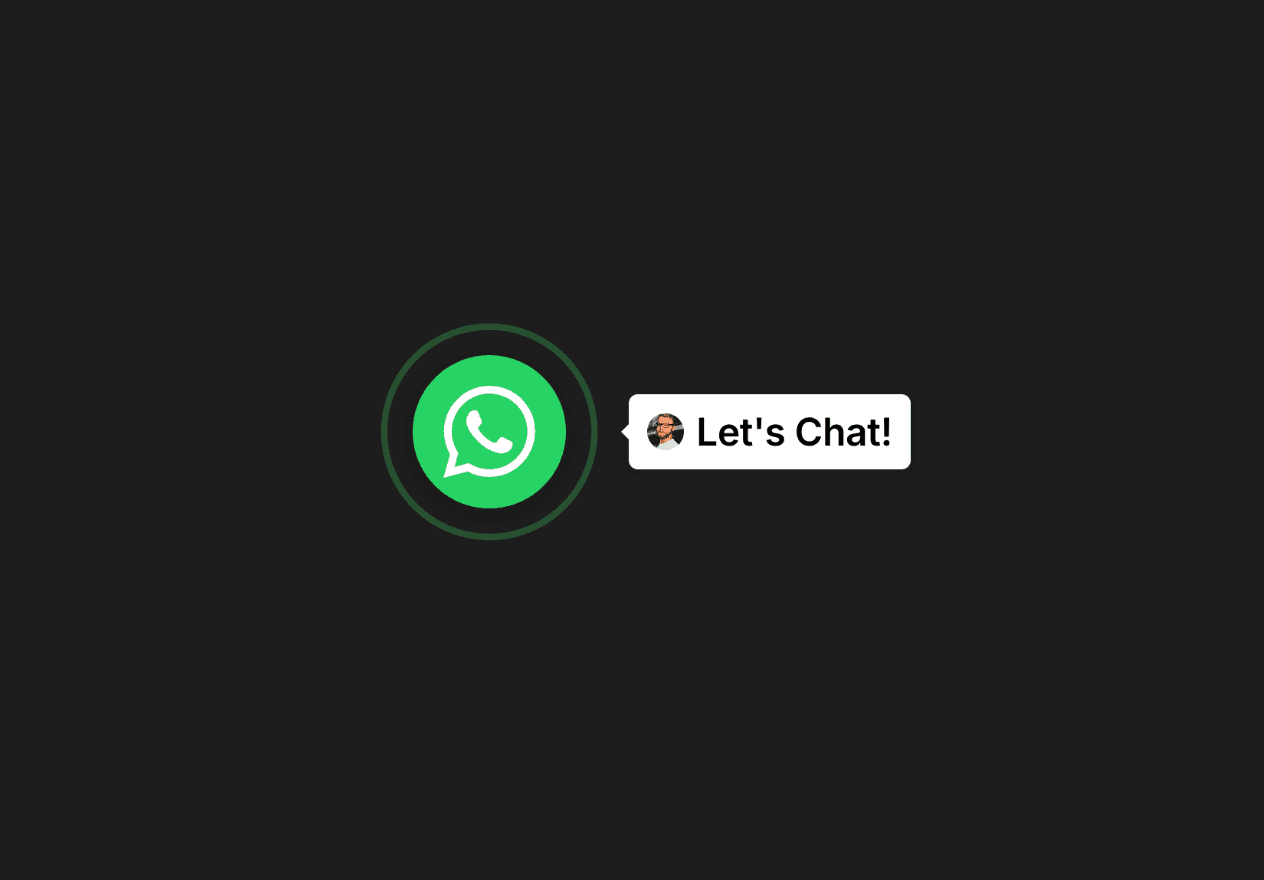
Add a WhatsApp button anywhere on your page with customizable styling, pulse animations, and an optional chat label. Opens WhatsApp with a pre-filled message for instant customer engagement.
Type
Category
Buttons / CTAs
Component ID
15296026673500
Instant Customer Connection
One-click access to WhatsApp with pre-filled messages, enabling fast customer interactions and reducing response time
Flexible Placement Options
Place the button anywhere on your page—sections, headers, footers, or content areas—for maximum design flexibility
Fully Customizable Design
Control size, colors, pulse animation, label styling, fonts, shadows, and avatar images to match your brand perfectly
Connect Instantly with WhatsApp Button
Add a WhatsApp button anywhere on your page that opens WhatsApp with a pre-filled message. Place it in sections, headers, footers, or any content area where you want to enable customer communication.
Customize the button size, colors, and styling to match your brand. Enable the optional pulse animation to draw attention, and add a chat label with customizable text and an optional avatar image for a personal touch.
Perfect for customer support sections, contact pages, sales pages, and call-to-action areas. The pre-filled message feature helps conversations start faster and reduces friction for customers reaching out.